

Q: I recently joined the team and noticed that during the daily updates, several tasks remain assigned to individuals even though they are not actively working on them. In many cases, they started the tasks but paused them when higher-priority work came in.
Could you suggest the best way to handle paused work? I initially recommended moving on-hold tasks back to the To Do column, but I am also considering adding a dedicated “On Hold” column.
Thanks for the question.
You’re not alone. Every Scrum (or Kanban) board eventually accumulates a few “zombies,” i.e., user stories that appear active but haven’t been worked on for days.
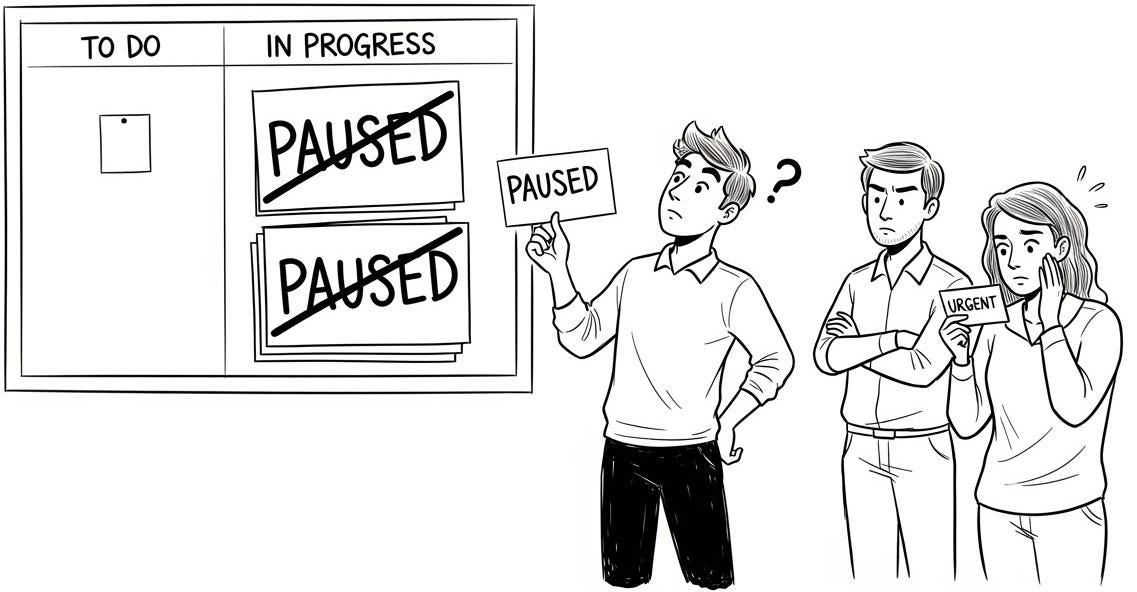
In your case, you’ve joined a team where the board shows plenty of items in the “In Progress” column, yet in the Daily Scrum, people admit they’ve paused some of those items because something “more important” came in.
The work is not moving. The board looks busy, but it is not honest.
Now, as a Scrum Master, you’re in a dilemma:
should paused items go back to “To Do,” or
should you introduce an “On Hold” column to your team to show paused work?
What’s the best way to handle paused work without turning your board into a parking lot?
Which one should you go with?
I have a few suggestions.
Got an urgent question?
Get a quick answer by joining the subscriber chat below.
